
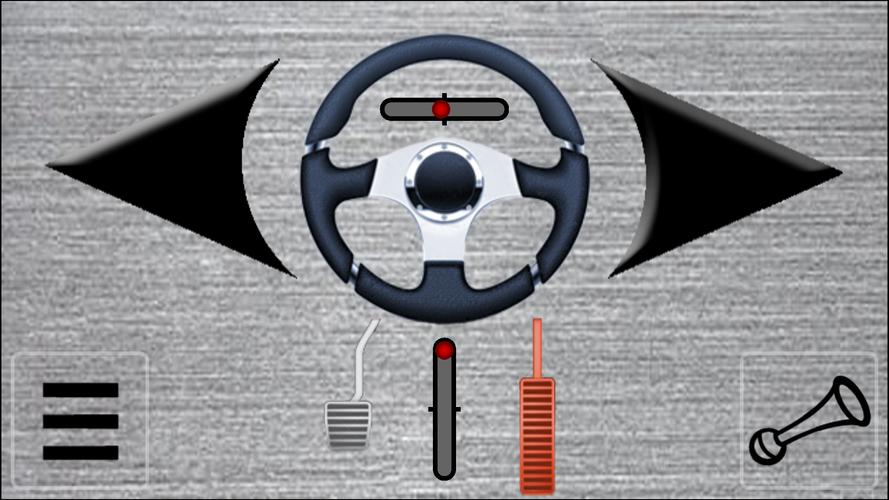
Transform your device into a joystick, steering wheel, gamepad, mouse, or keyboard for PC.
将您的设备变成PC的摇杆、方向盘、游戏手柄、鼠标或键盘。
Use your Android device as a joystick, steering wheel, gamepad, mouse, or keyboard for nearly all PC games.
在几乎所有PC游戏中,使用您的Android设备作为摇杆、方向盘、游戏手柄、鼠标或键盘。
We have crafted custom skins for popular titles like:
我们精心设计了适用于以下热门游戏的自定义皮肤:
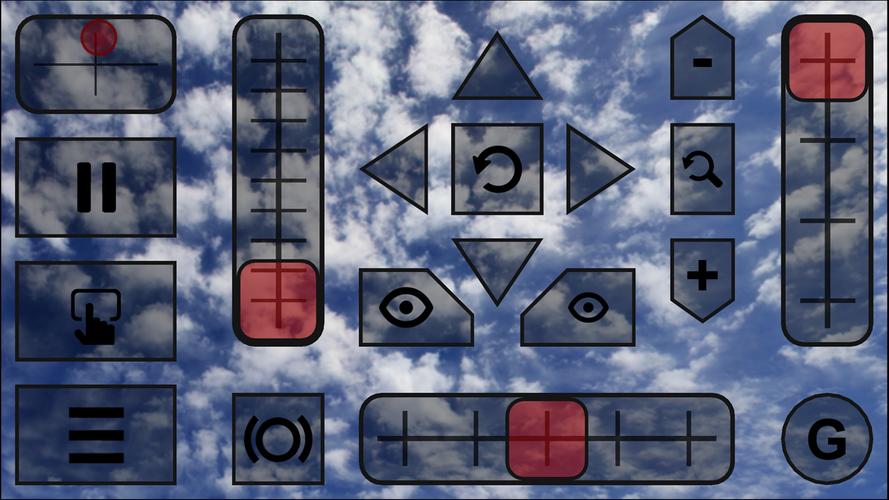
Red Bull Air Race Game
红牛航空竞速游戏
Minecraft
我的世界(Minecraft)
Counter-Strike
反恐精英(Counter-Strike)
World of Tanks
坦克世界(World of Tanks)
Microsoft Flight Simulator
微软模拟飞行(Microsoft Flight Simulator)
and many others...
以及许多其他游戏……
- The app emulates a real plug-and-play joystick, recognized by your PC as genuine hardware.
- 该应用模拟真实的即插即用摇杆,您的PC会将其识别为真实硬件。
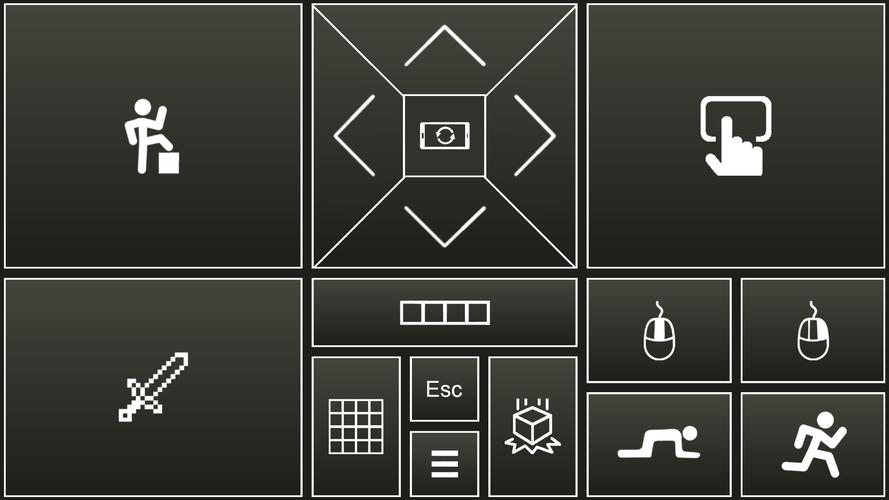
- It also fully emulates a PC keyboard and mouse.
- 它还完全模拟了PC键盘和鼠标。
- All skins are fully customizable.
- 所有皮肤均可自定义设置。
- You can create your own skins using XML, PNG, and MP3 files to play any PC game.
- 您可以使用XML、PNG和MP3文件创建自己的皮肤,以游玩任何PC游戏。
Quick Start Guide:
快速入门指南:
- Install the PocketGamepad server on your PC from this link:
- 通过以下链接在您的PC上安装PocketGamepad服务器端:
http://www.pgpad.com/downloads/server/PocketGamepadSetup.exe
- Install the PocketGamepad app on your smartphone.
- 在您的智能手机上安装PocketGamepad应用。
- Launch the PocketGamepad server on your PC.
- 启动PC上的PocketGamepad服务端。
- Launch the PocketGamepad app on your smartphone.
- 启动手机上的PocketGamepad应用端。
- Press Menu / Connect, then tap Search. Once it finds the PocketGamepad server, press Connect.
- 点击菜单/连接,然后点击搜索。找到PocketGamepad服务器后,按连接按钮。
Selecting a Skin
选择皮肤:
- Go to Menu / Skins (games)
- 进入菜单/皮肤(游戏)选项
- Choose a skin and press the Play button.
- 选择一个皮肤并按下播放按钮。
Customizing a Skin
自定义皮肤:
- Select a skin.
- 选中一个皮肤。
- Press Menu / Edit skin.
- 点击菜单/编辑皮肤。
- Tap the button you wish to customize.
- 轻点您想要自定义的按钮。
- Go to Menu / Save as.
- 进入菜单/另存为。
- Press Menu / Finish editing.
- 点击菜单/完成编辑。
For game control to work, the PC game must be in focus, not running in the background.
要使游戏控制正常工作,PC游戏必须处于前台焦点状态,而不是在后台运行。
Skin XML schema documentation:
皮肤XML架构文档:
http://www.pgpad.com/downloads/doc/xml\_schema.pdf
版本3.7更新内容
Last updated on Jan 9, 2020Added a Minecraft skin
Added a Counter-Strike skin
Added a World of Tanks skin
All skins have been refactored
Improved connection stability
Menu button now displays WiFi signal quality
Added multiplayer support
Redesigned menu
最后更新于2020年1月9日
新增了我的世界(Minecraft)皮肤
新增了反恐精英(Counter-Strike)皮肤
新增了坦克世界(World of Tanks)皮肤
所有皮肤均已重构优化
提升了连接稳定性
菜单按钮现在显示WiFi信号质量
新增多人游戏支持
重新设计了菜单

 分类
分类 
 下载
下载

![Misfits [Part 3 v24.1] [Slow Burn Games]](https://images.fenglinhuahai.com/uploads/73/1719514667667db62bbaa47.jpg)

















通过我们精心策划的强大管理工具来简化您的社交媒体策略。本指南具有诸如Tiktok Studio的流行应用程序,用于内容创建和分析,Instagram用于视觉讲故事,实时流媒体游戏的Facebook游戏,用于高效推文的Twitter Lite等。发现如何喜欢,WorldTalk,Quora,Moj,Amino和Live.me可以增强您的社交媒体形象并帮助您与观众建立联系。学习有效管理多个平台并最大化您的覆盖范围的技巧和窍门。找到今天提高社交媒体成功的完美工具!
Live.me
WorldTalk-与全球的人语音视频聊天交友
Facebook Gaming
Instagram
Likee - Short Video Community
Quora
Twitter Lite