by Aaron Jan 17,2025
Back in the days when cooperative games were just emerging and voice chats were not yet so popular, we gathered with friends in front of the TV and played from one console. It was truly cool, and you can also replicate such an experience.
How to play splitscreen on Minecraft Xbox One or another console? Prepare the console, soda, snacks, and invite friends. Now I will tell you how to do it!
Table of Content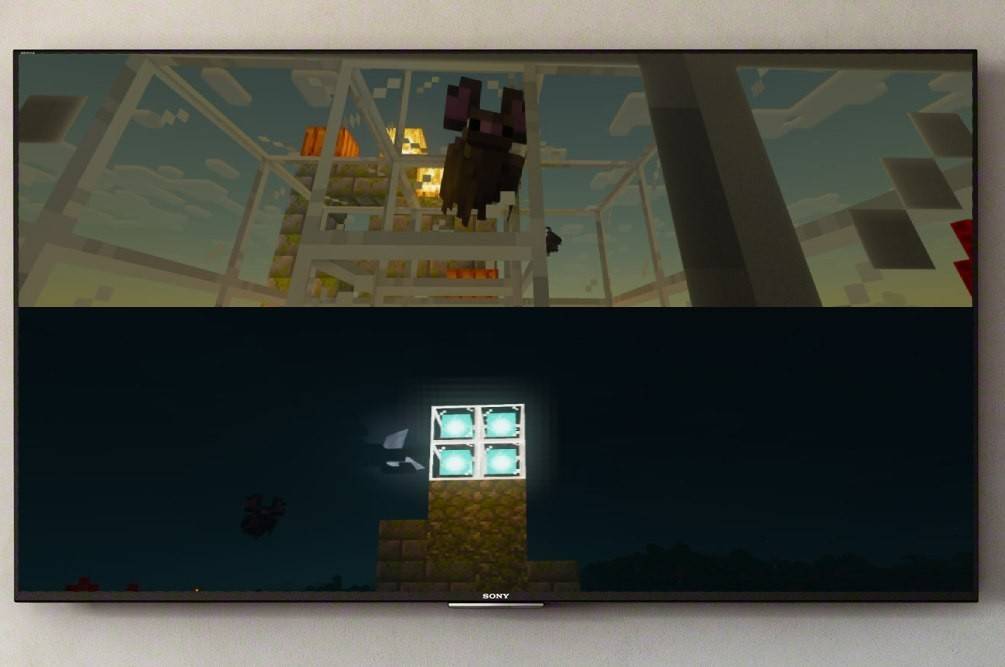
First, let me clarify that the Minecraft split-screen feature is only available on consoles. Unfortunately, you can't do this on PC, but if you have an Xbox, PS, or Nintendo Switch, now we will try to split the screen together.
Another thing to consider is system requirements. Yes, as sad as it may sound, there are nuances here too, but I am sure this won't be a problem for you. To support the split function, you will need a TV or screen that supports HD (720p).
Correspondingly, the console must support such a format. When connecting the console to the screen via HDMI, the resolution will set automatically, and in the case of VGA, you may need to adjust the resolution manually through your Xbox or PlayStation settings.
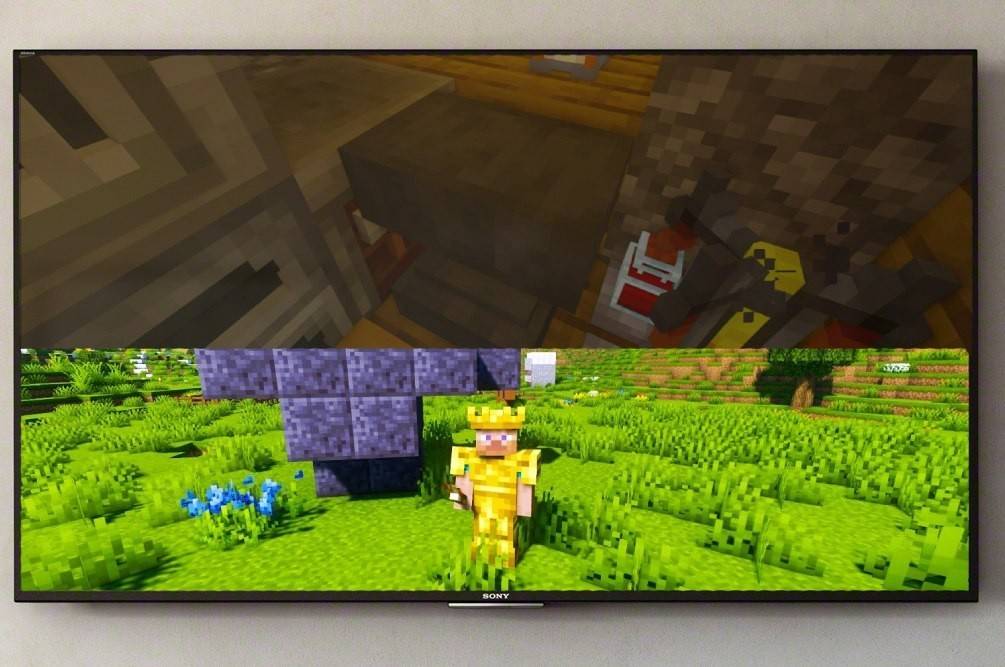
Fortunately, the game's functionality allows you to do this in different ways, and everyone can choose the option that is convenient. So, you can split the image either locally (directly from the console) or online, to play on a server with a larger number of players.
For this, we will need local splitting. Up to 4 people can play from one device—the main thing is that no one fights over the gamepad. The setup principles may differ for different consoles, but I will show a general formula that will help you navigate on your own.
Let's start with the most obvious—connecting the console to the screen. It is best to use an HDMI cable for this (it comes with all modern devices).
Great, we have handled that! Now launch Minecraft and choose to create a new game or continue an existing session. The main thing here is to disable the multiplayer function in the settings.
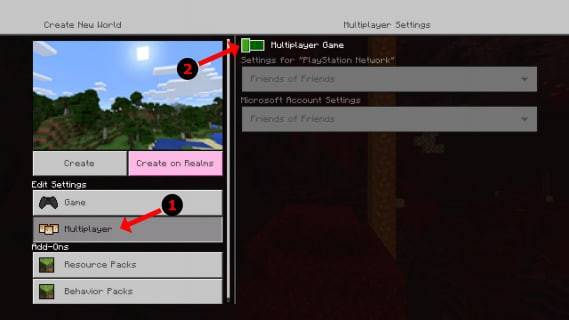
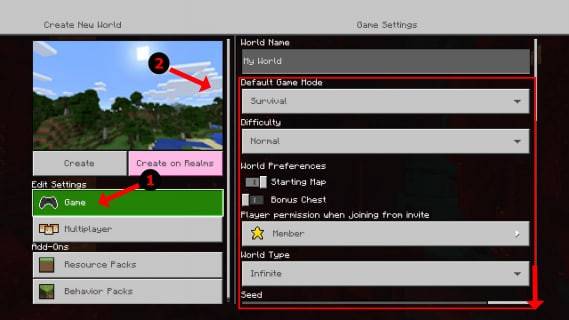
Next, the procedure is standard: we choose the difficulty, additional settings, and world parameters. If you already have a created world, skip this step.
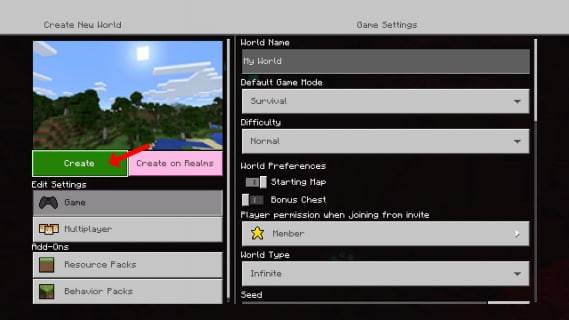
All set? Then press start and wait for the game to load. Let your friends wait a bit longer—we'll finish soon.
As soon as the game starts, you can activate other players. On different consoles, this can be a different button. For example, on the PS gamepad, it's the "Options" button. You need to click it twice. For Xbox owners, it's usually the Start button.
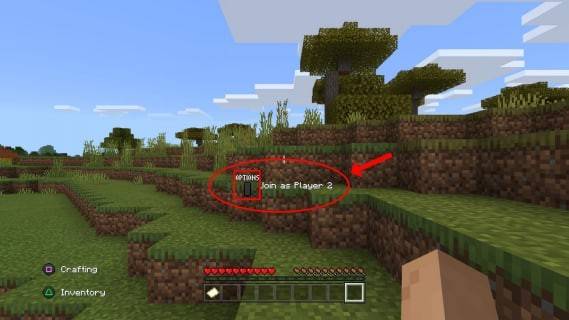
Next, just log into the account and join the game. After successful connection, the screen will automatically split into parts (from 2 to 4).
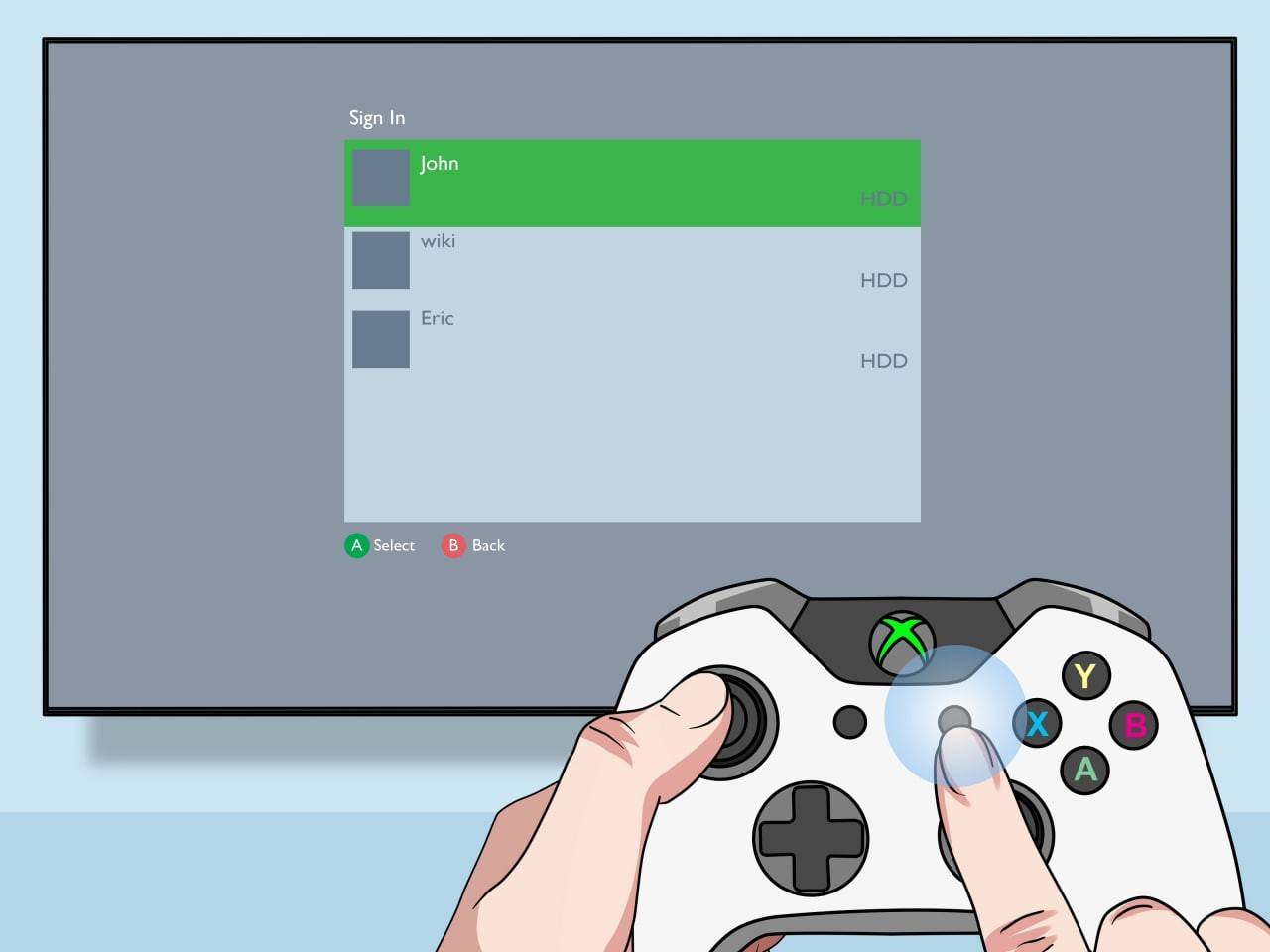
All done! Enjoy the game.
Here I want to start by saying that you won't be able to split the screen with another online player—this feature is only available for playing from one console. However, if you are sitting with friends in front of one TV, there is an opportunity to invite even more "remote" friends.
The procedure is identical to the previous one—you must log into the account, create a game, but now you need to enable multiplayer. Next, you just need to send invitations to "remote" friends and that's it!
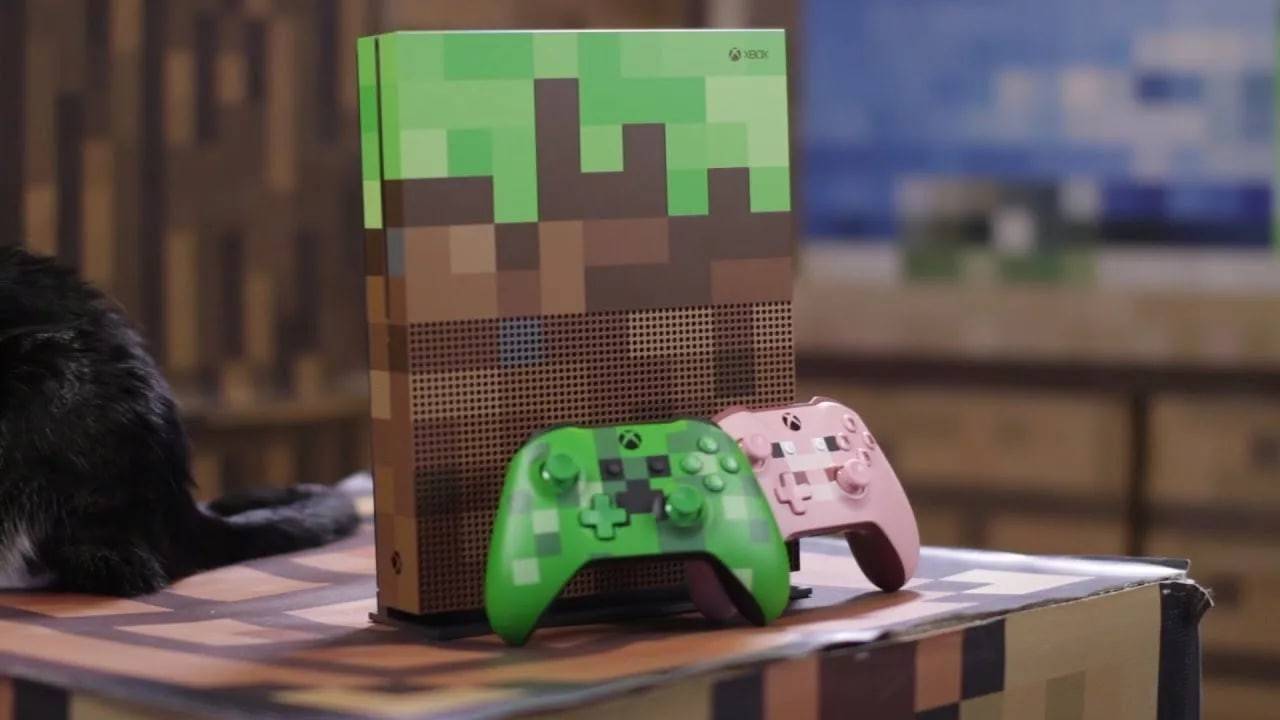
At the moment, Minecraft is one of the best cooperative games in the industry, and I am very happy about the opportunity to play it side by side with friends. I'm sure you'll like it too, so try it and enjoy the fun in good company!
Forsaken Characters Ranked: Tier List Update 2025
How to Use Cheats in Balatro (Debug Menu Guide)
State of Play Reveals Exciting Updates: PlayStation February 2025 Showcase
Infinity Nikki – All Working Redeem Codes January 2025
Roblox: Obtain Secret Codes for January 2025 (Updated)
Pokémon GO Raids in January 2025
LEGO Ninjago Sets Top the Charts (2025)
Wuthering Waves: Redeem Codes for January 2025 Released!
Is Donkey Kong Bananza Worth Buying on Nintendo Switch 2?
May 10,2026
Lords of the Fallen 2 Set for Gamescom 2025 Reveal
May 08,2026

MU: Pocket Knights to get major new update switching up growth and challenges
May 08,2026
Silent Hill f Trailer Introduces Hinako, Voiced by Suzie Yeung
May 01,2026
Kaiju No. 8 Game Adds New Original Character
May 01,2026
 Category